 Minimal Paste
Pastebot vs Minimal Paste
November 9, 2026
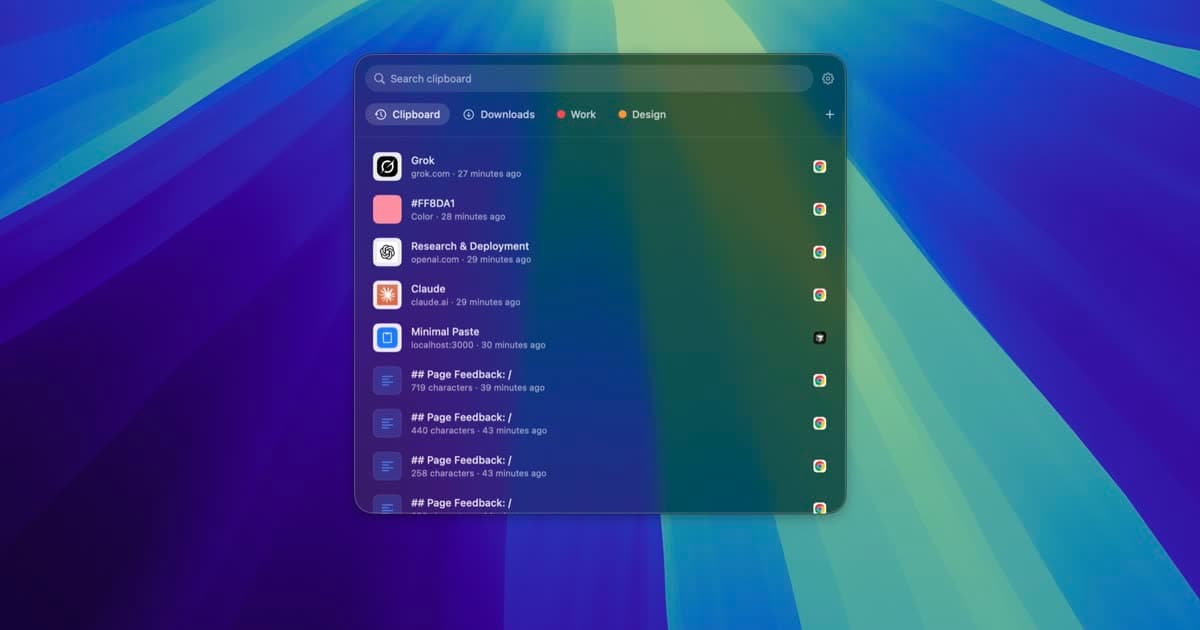
Pastebot from Tapbots is one of the best known clipboard managers on the Mac. Version 3 added a lot of power: filters that change text before you paste, sequential paste stacks, Smart Pastebins, and iCloud Sync between Macs. It also moved to macOS 26 Tahoe only and to paid update years.
This page compares Pastebot 3 with Minimal Paste, the app this site sells. Pastebot details come from tapbots.com and its purchase help page as of November 2026. Where those pages do not say something, this page does not claim it.
The short answer
- You run macOS 26 and want text filters, paste stacks, rule-based pastebins, or sync between Macs: Pastebot is the stronger tool.
- You are on macOS 14 Sonoma or macOS 15 Sequoia: Pastebot 3 will not install, and Minimal Paste will.
- You want a simple visual shelf, pinned clips, colored groups, and your Downloads or Screenshots folder next to your clips, for $9.99 once: Minimal Paste.
What Pastebot does
Tapbots lists these features on the Pastebot 3 page:
- A searchable clipboard history, with metadata and your own searchable notes.
- Custom Pastebins with a color and an icon or emoji, plus Smart Pastebins that collect clips by rules.
- A quick paste menu where a number key pastes any of the last 10 copies.
- Filters you build by stacking base filters, with a live preview and keyboard shortcuts, applied before you paste.
- Stacks: add clips with the right arrow key, then paste them one after another with ⌃⌘V.
- Optional iCloud Sync of clippings, pastebins, and filters between Macs.
- Universal Clipboard import, so copies from your iPhone land in Pastebot.
- A blacklist for apps, Apple Shortcuts support, and a command line tool.
Pastebot 3 requires macOS 26 Tahoe or later. Tapbots still links the older Pastebot 2 download from the same page.
What Minimal Paste does
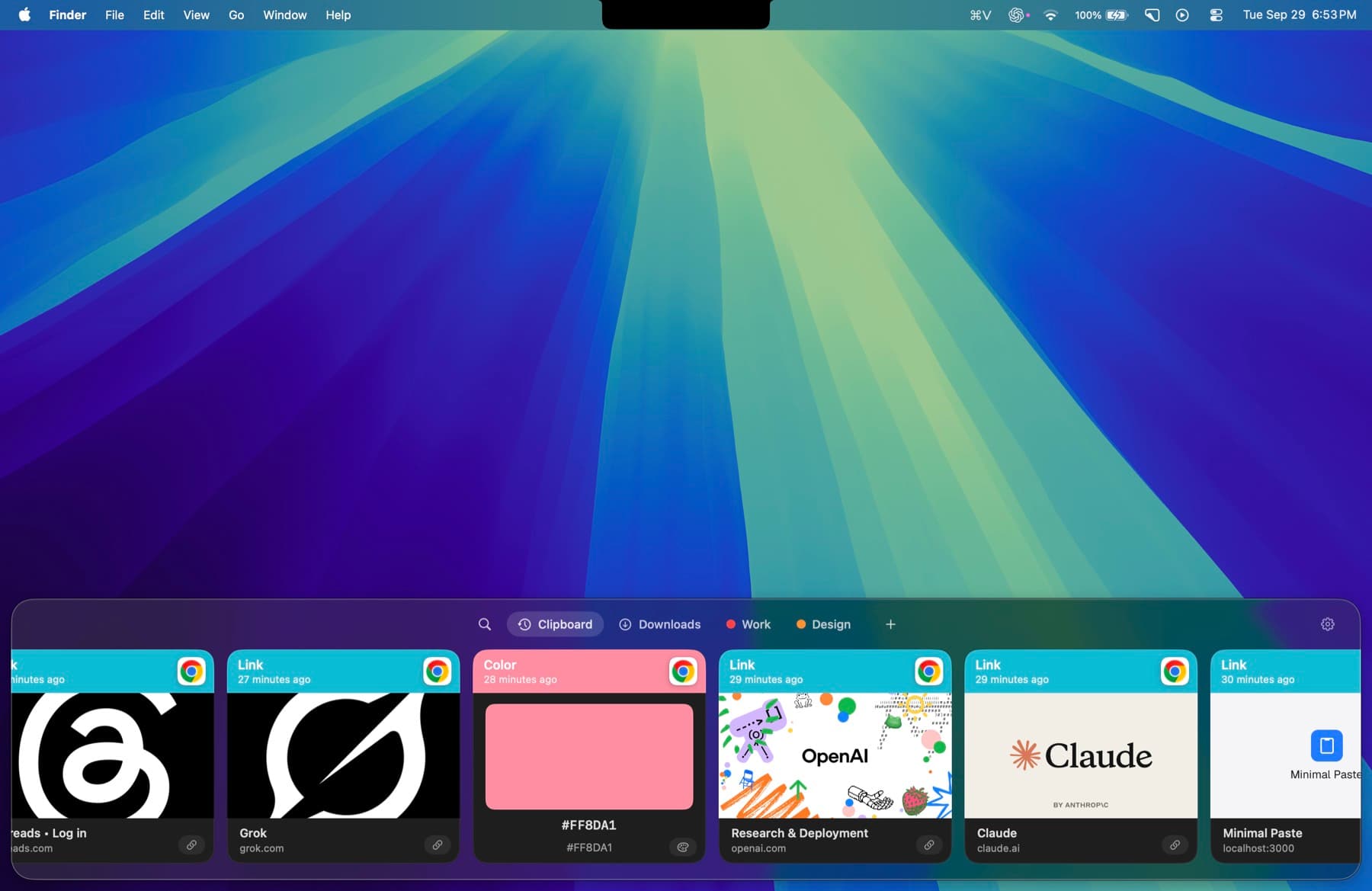
Minimal Paste does one job: clipboard history on a Mac. It is a shelf of cards along the edge of the screen, and it needs macOS 14 Sonoma or later.
- ⇧⌘V opens the shelf. Arrow keys move, Return pastes into the app you were using.
- The shelf filters as you type: text, images, links, files, and colors.
- Pinned clips stay put. Retention never removes them.
- Name a group, give it a color, and keep related clips together.
- Select several clips and paste them together.
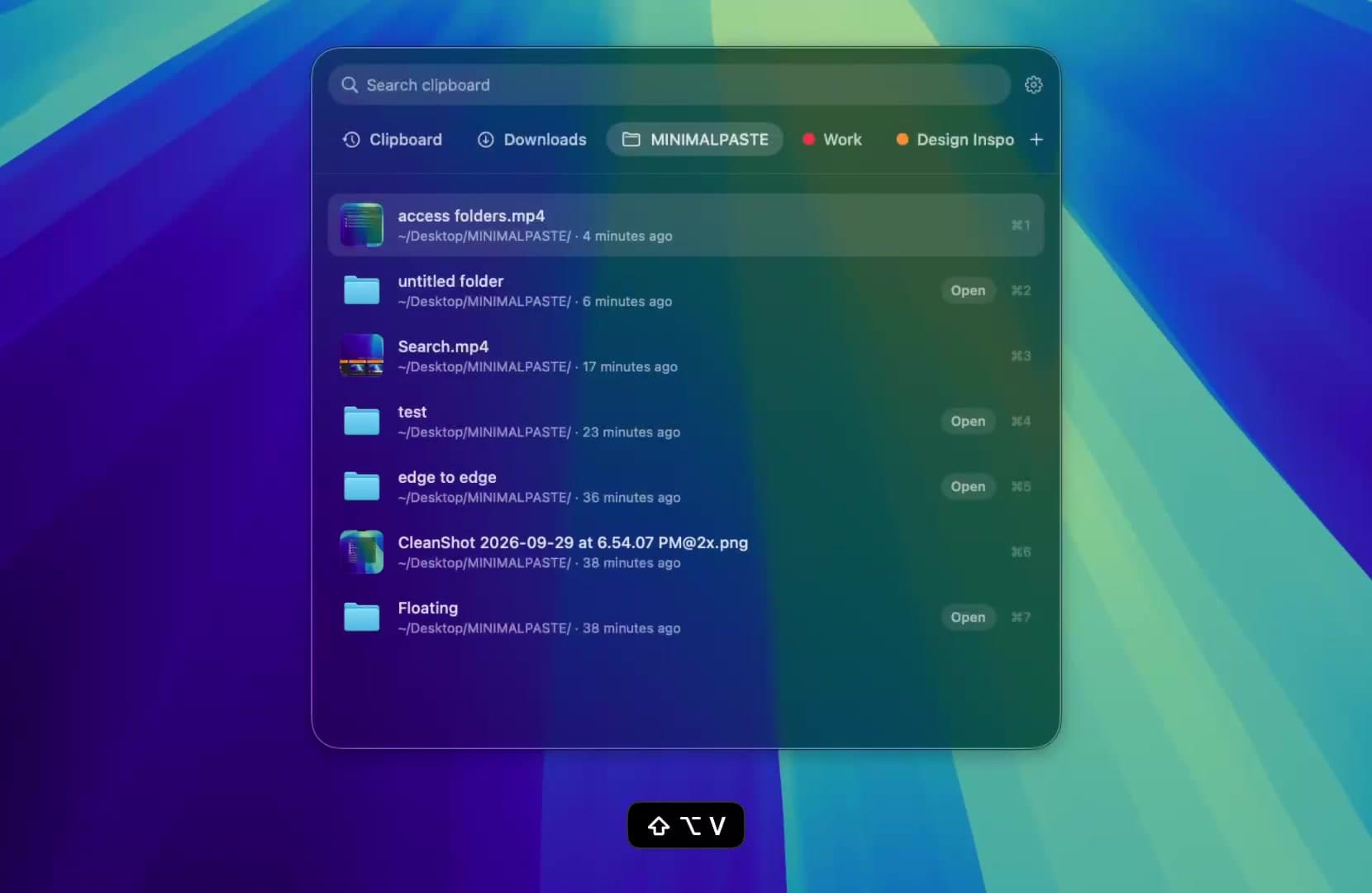
- Add Downloads, Screenshots, or any folder, including subfolders, and paste the files inside.
- ⇧Return pastes a clip as plain text, or turn on always paste plain text in Settings.
- Put the shelf on the bottom, left, or right, or open it as a window.
History stays on this Mac. There is no account, no iCloud, and no sync, and password managers are ignored. Minimal Paste is Mac only, with no iPhone app.
Price
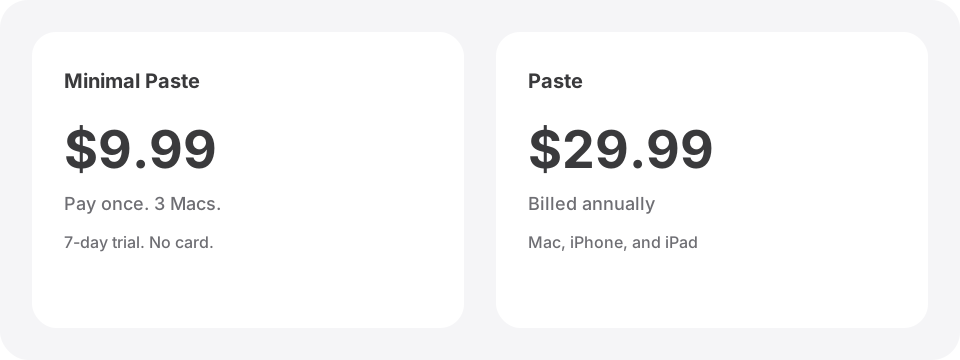
Pastebot 3 is $39 when you buy direct from Tapbots. That includes one full year of updates. After that, another year of updates is $19, and you always keep the version you have. Pastebot 2 owners get a $12.99 upgrade discount, and direct purchases have a 30-day refund policy. On the App Store, Pastebot is a subscription at $24.99 a year or $2.99 a month, with Family Sharing. Both ways include a 14-day free trial.
Minimal Paste is $9.99 once and covers 3 Macs. The full app runs for 7 days with no credit card.
Side by side
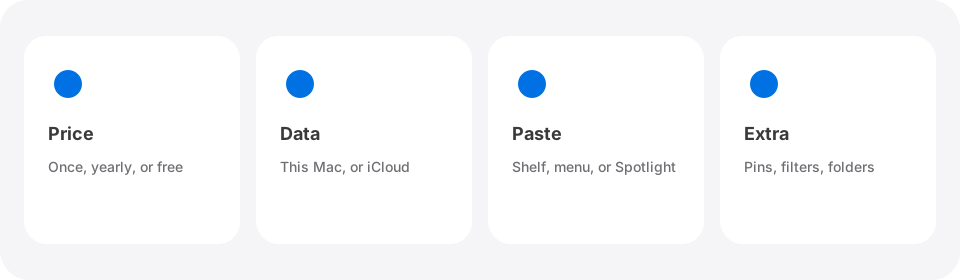
- Price: Pastebot is $39 direct with 1 year of updates, then $19 per extra year, or $24.99 a year on the App Store. Minimal Paste is $9.99 once for 3 Macs.
- macOS: Pastebot 3 needs macOS 26 Tahoe. Minimal Paste runs on macOS 14 Sonoma or later.
- Trial: Pastebot has 14 days. Minimal Paste has 7 days, with no credit card.
- Organizing: Pastebot has Custom and Smart Pastebins. Minimal Paste has pinned clips and named, colored groups.
- Power tools: Pastebot has filters, stacks, Shortcuts, and a CLI. Minimal Paste keeps it simple: search, plain text paste, and pasting several clips at once.
- Files: Minimal Paste can show the contents of folders you add, such as Screenshots. Tapbots does not describe a folder view for Pastebot.
- Sync: Pastebot offers optional iCloud Sync between Macs. Minimal Paste keeps everything local on each Mac.
Which one to pick
- You reshape text on every paste or paste lists in sequence: Pastebot.
- You want the same clips on two or more Macs: Pastebot with iCloud Sync.
- You are not on macOS 26 yet and do not plan to update soon: Minimal Paste.
- You want a calm shelf of recent copies, folder files next to them, no account, and one $9.99 payment: Minimal Paste.
Both have free trials, so you can run them side by side for a week and keep the one that fits how you copy and paste. For other options, read Best clipboard managers for Mac in 2026, Maccy vs Minimal Paste, Raycast Clipboard History vs Minimal Paste, or PastePal vs Minimal Paste. To compare more apps, see Pastebot alternatives.
Sources
Try Minimal Paste
$9.99 once for 3 Macs. 7-day trial, no credit card. Clipboard history stays on this Mac.