 Minimal Paste
Best clipboard managers for Mac in 2026
October 14, 2026
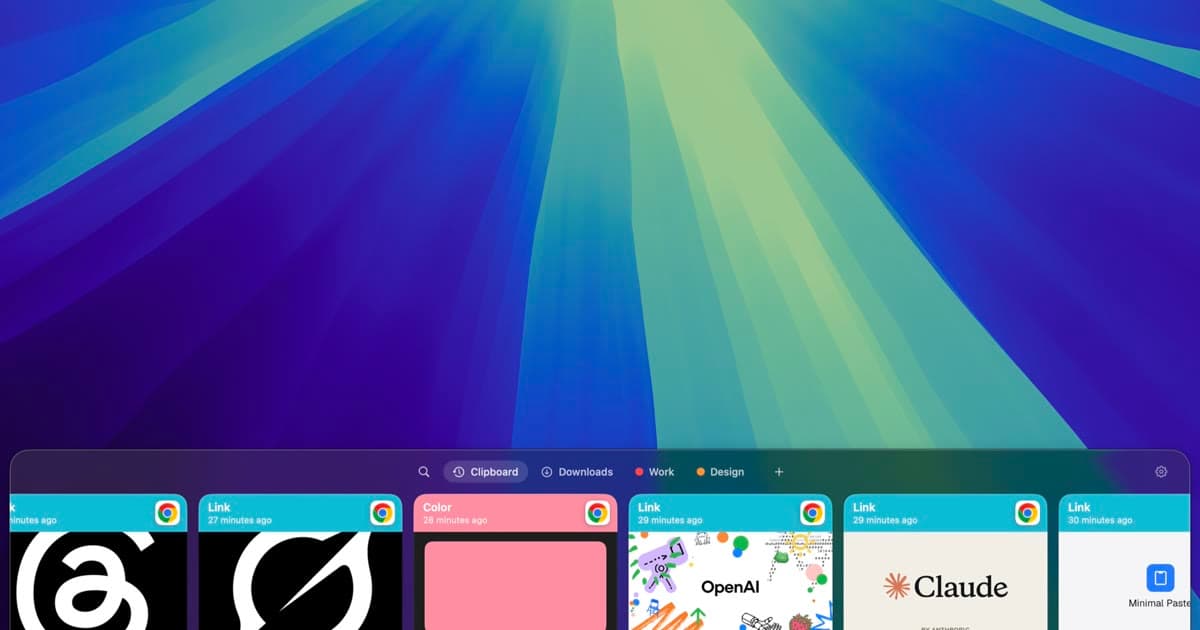
A Mac clipboard holds one item. Copy something new and the last copy is gone. A clipboard manager keeps a history so you can paste yesterday's snippet, last hour's screenshot, or the link you copied before a call.
This guide compares five options people actually look at in 2026: Paste, Maccy, Pastebot, the clipboard history Apple documents in Spotlight, and Minimal Paste. Prices and product claims below come from each official site. If a site does not publish a detail, this page leaves it out.
How to choose
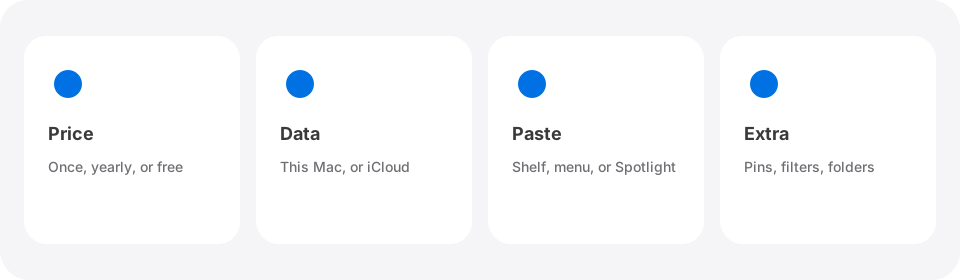
Pick on the jobs you do every day, not on a feature checklist you will never open.
- Price model. Subscription, one-time purchase, or free.
- Where data lives. On this Mac only, or also in iCloud and on iPhone.
- How you paste. A dedicated shelf, a menu, or Spotlight.
- What else you need. Pins, filters, stacks, or files from Downloads and Screenshots.
Minimal Paste
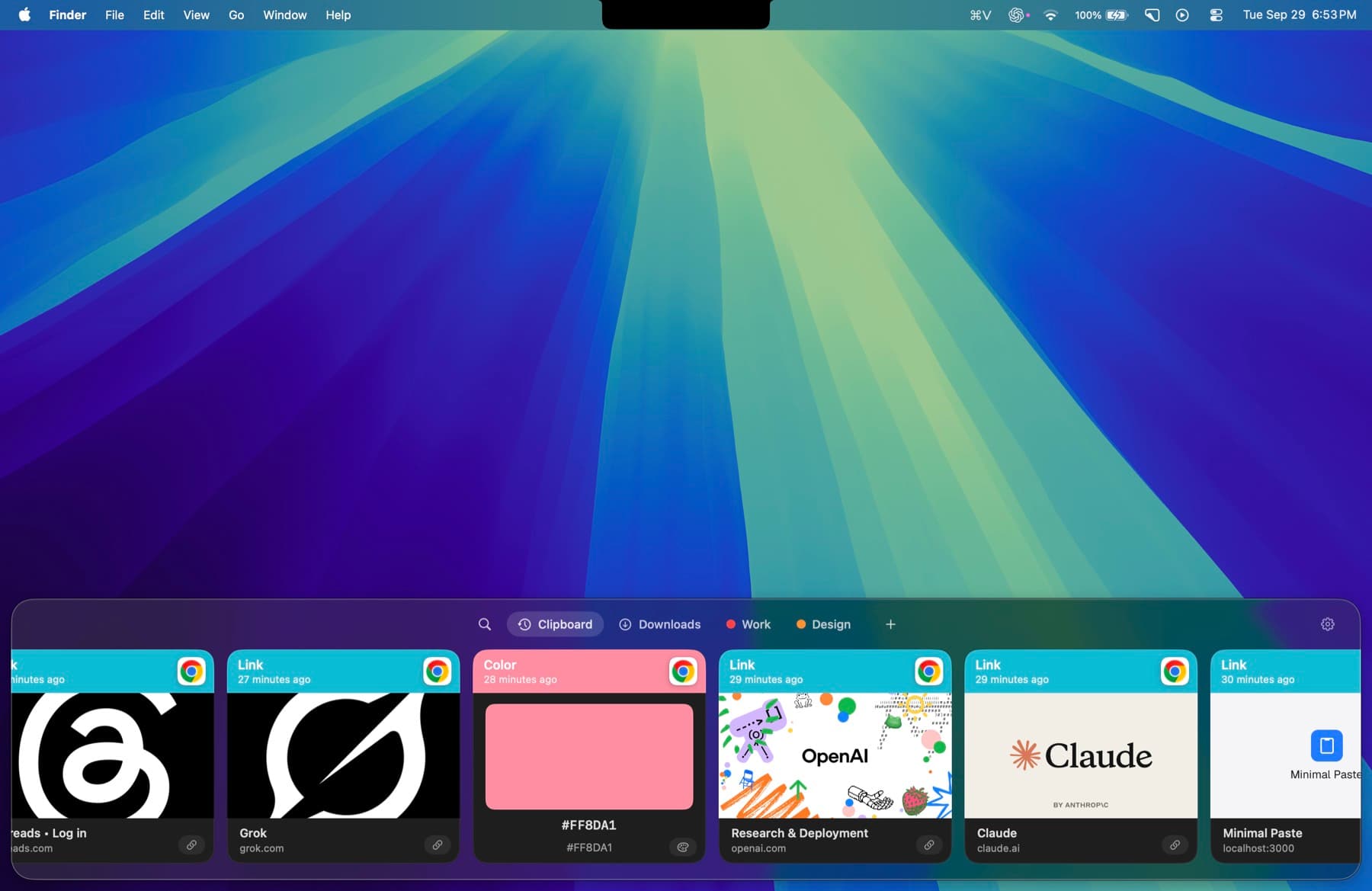
Minimal Paste is a local-only clipboard manager for Mac. One purchase is $9.99 and covers 3 Macs. It needs macOS 14 or later. The full app runs for 7 days with no credit card.
History, images, and settings stay on the Mac that captured them. There is no account and no iCloud sync. Password managers are ignored by default. The shelf opens with ⇧⌘V. You can pin clips, group them, search as you type, and paste several clips together.
The Folders shelf is the feature most clipboard apps do not talk about. Add Downloads, a Screenshots folder, or any other folder, including subfolders, and paste those files without opening Finder. See how to paste screenshots and downloads.
Choose Minimal Paste if you want a paid app that stays on this Mac and you also want files from folders next to clipboard history.
Paste
Paste is a clipboard manager for Mac, iPhone, and iPad. The official pricing page lists $2.49 per month or $29.99 billed annually. Every plan includes all three platforms. The Lifetime Plan (pay once, including future updates) is $99.99 on the same page.
Paste for Mac needs macOS 14 or later. You can start a 7-day trial from the website with no credit card. The product site says everything you copy is saved with no limit, that you can search the whole history, and that you can pin snippets, links, colors, and templates. Clipboard data stays on your devices and in your private iCloud. It does not go to Paste's servers.
Choose Paste if you want the same history on iPhone and iPad and you are fine paying each year (or buying the Lifetime Plan). Read the Paste alternatives table.
Maccy
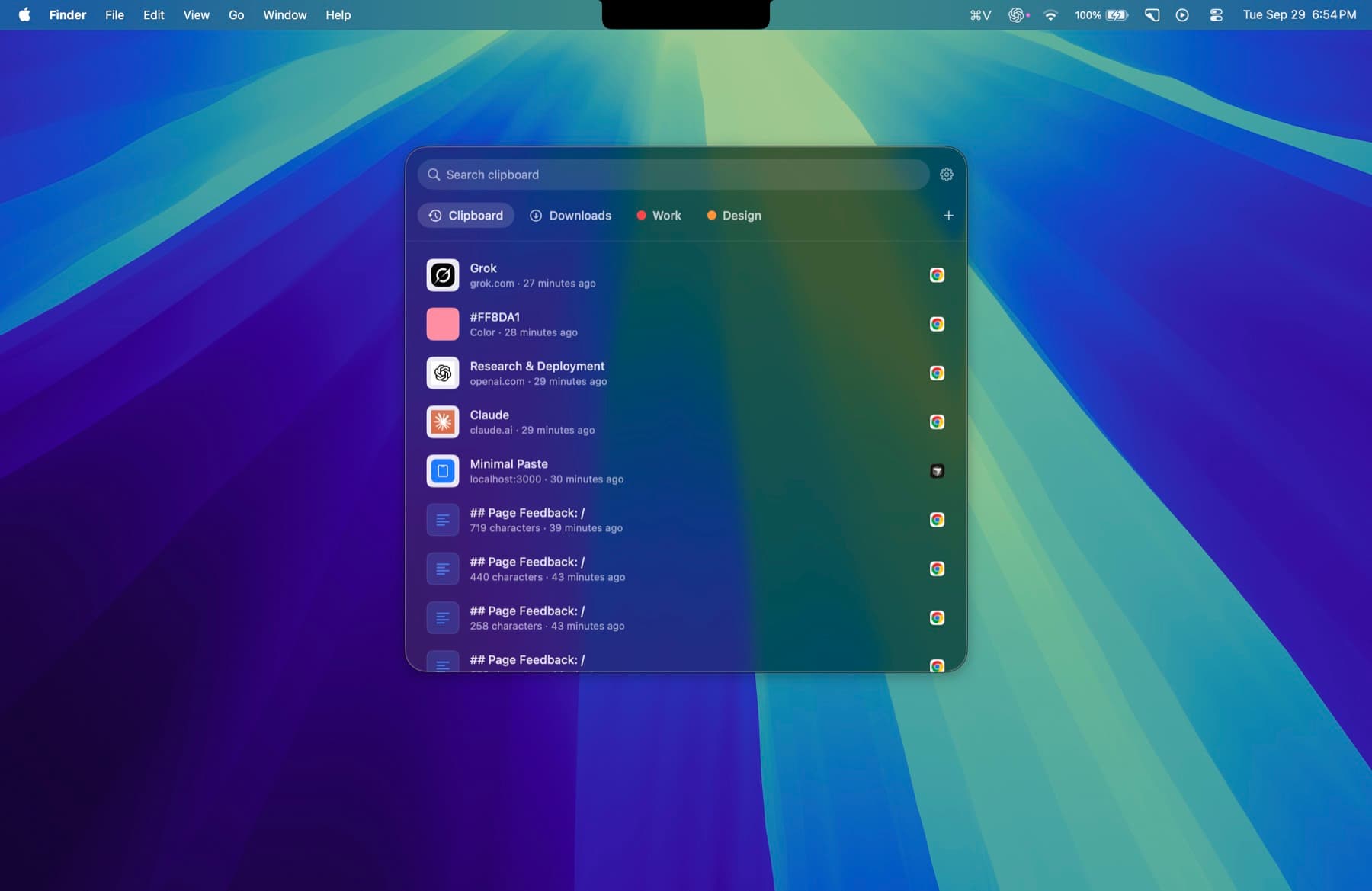
Maccy's official site describes it as a lightweight, open source clipboard manager that does one job: keep your copy history at hand. It uses the MIT license, and the site says it is and will always be free. History is stored on your computer. If a password manager removes a copied password from the clipboard, Maccy does too. Search is keyboard-first: type, then press Enter.
Choose Maccy if you want a free, inspectable app and you only need fast history. It will not add a Folders shelf or the rest of a paid utility. Read the Maccy alternatives table.
Pastebot
Pastebot 3 is made by Tapbots. The official site says it requires macOS 26 Tahoe or later. Buying direct is $39 and includes one year of updates. Another year of updates is $19. You keep the last version you paid for. Both purchase paths include a 14-day free trial. The App Store path is $24.99 per year or $2.99 per month.
Official features include a running copy history, Custom Pastebins, rule-based Smart Pastebins, filters you apply before paste, stacks for sequential paste, optional iCloud Sync between Macs, and Universal Clipboard import from iPhone.
Choose Pastebot if you already run macOS 26 and you want filters, pastebins, and stacks. Skip it if you are still on macOS 14 or 15. Read the Pastebot alternatives table.
macOS clipboard history in Spotlight
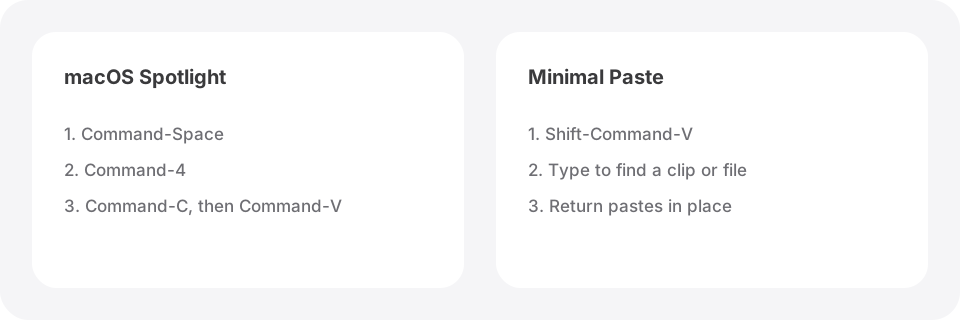
Apple's Mac User Guide documents clipboard history inside Spotlight. Press Command-Space bar, then press Command-4 (or click to the right of the search field). You can search the history, copy an item, then paste with Command-V. You can also clear the history. The first time, macOS may ask for permission, and Apple notes that sensitive information may appear.
That flow is built in, so it costs nothing extra. It is also a Spotlight search, not a shelf that pastes back into the app you were using. Apple's page does not describe a folders view for Downloads or Screenshots. Read the Minimal Paste vs macOS clipboard history table.
A short recommendation
- Want free and local? Start with Maccy, or use Spotlight if that is enough.
- Want iPhone and iPad in the same history? Look at Paste.
- Want filters and pastebins on macOS 26? Look at Pastebot.
- Want a $9.99 Mac app that stays local and can paste from Downloads and Screenshots? Try Minimal Paste.
If you are leaving a yearly plan, the companion post Paste alternatives without a subscription walks through the one-time and free options in more detail.
Try Minimal Paste
$9.99 once for 3 Macs. 7-day trial, no credit card. Clipboard history stays on this Mac.