 Minimal Paste
PastePal vs Minimal Paste
November 2, 2026
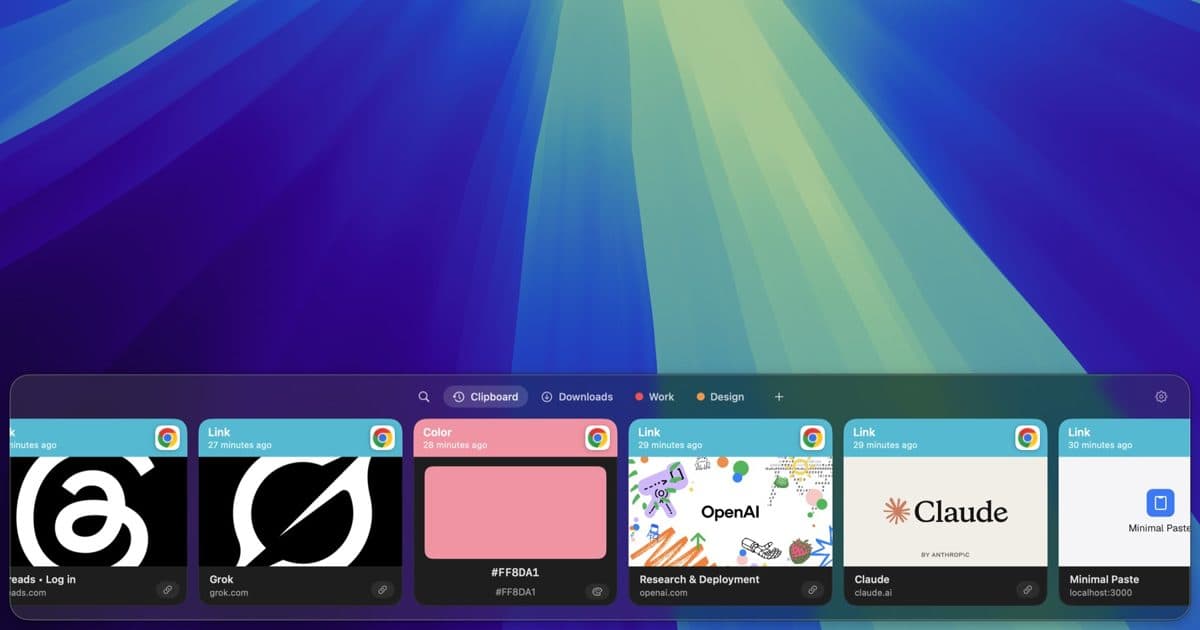
PastePal and Minimal Paste are both clipboard managers you pay for once. Neither one is a subscription. So the choice comes down to what you need around the history itself: other Apple devices, lots of power tools, or a simple shelf that stays on one Mac.
This page compares PastePal with Minimal Paste, the app this site sells. PastePal details come from indiegoodies.com, the PastePal docs and FAQ, and its Mac App Store listing as of November 2026. Where those do not say something, this page does not claim it.
The short answer
- Need your clipboard history on iPhone and iPad too? Pick PastePal. Minimal Paste is Mac only and has no sync.
- Want text transforms, screen text capture, a paste queue, and lots of settings? PastePal has more of those.
- Use only Macs and want a simple shelf of cards, colored groups, and your Downloads or Screenshots folder next to your clips, for $9.99 once on up to 3 Macs? Try Minimal Paste.
What PastePal does
PastePal is made by Indie Goodies. It runs on Mac, iPhone, and iPad, and the Mac App Store version needs macOS 14 Sonoma or later. Its official site and docs list a long set of features:
- A side window that docks to the top, left, bottom, or right edge, or moves freely. Hot Edge opens it when your pointer reaches a screen edge.
- ⌘1 to ⌘9 paste the first nine clips. Quick Mode lets you hold one shortcut to cycle through clips and release to paste.
- A main window with an adaptive grid, filters by app, content type, or collection, and search.
- Collections for clips you reuse, plus a Queue and a Paste Stack for pasting many clips in order.
- Text capture from any area of the screen, and over 50 text transforms.
- Allow and ignore lists, pause recording, and history retention settings.
- Optional iCloud sync, Peer Share over your local network, and import and export.
On privacy, PastePal says it has no analytics and no data collection, and your clips stay on your own devices. iCloud sync is off by default on iPhone and iPad.
What Minimal Paste does
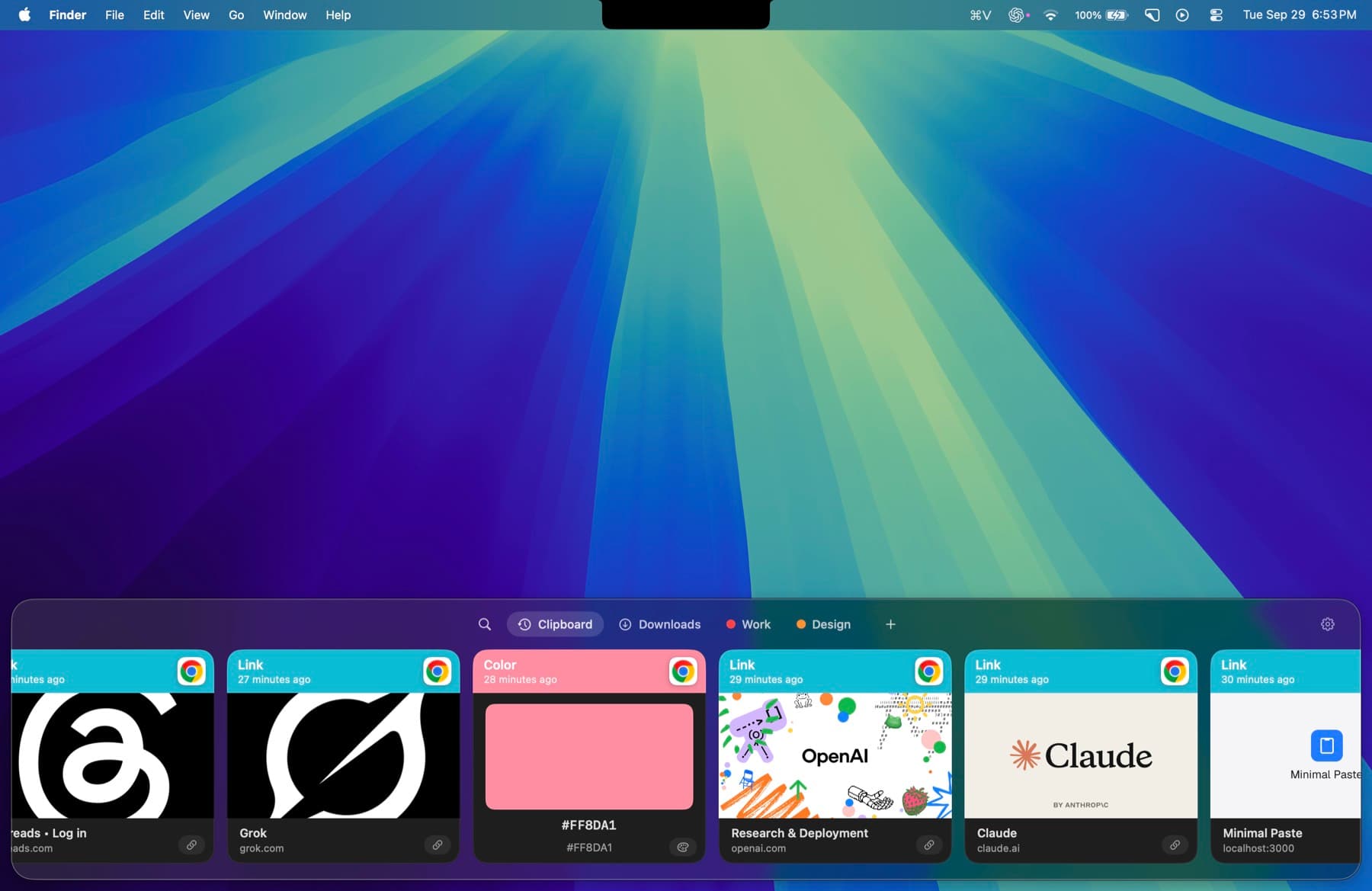
Minimal Paste does one job: clipboard history on a Mac. It is a shelf of cards along the edge of the screen, and it needs macOS 14 Sonoma or later.
- ⇧⌘V opens the shelf. Arrow keys move, Return pastes into the app you were using.
- The shelf filters as you type: text, images, links, files, and colors.
- Pinned clips stay put. Retention never removes them.
- Name a group, give it a color, and keep related clips together.
- Select several clips and paste them together.
- Add Downloads, Screenshots, or any folder, including subfolders, and paste the files inside.
- ⇧Return pastes a clip as plain text, or turn on always paste plain text in Settings.
- Put the shelf on the bottom, left, or right, or open it as a window.
History stays on this Mac. There is no account, no iCloud, and no sync, and password managers are ignored. Normal ⌘C and ⌘V keep working.
Price
PastePal is free to download, but its FAQ says you need the premium upgrade to unlock all features, including paste. The free version keeps history, search, collections, and drag and drop. Unlimited copy and paste, iCloud sync, text capture, transforms, and peer sharing need premium.
Premium is $14.99 one-time. On the App Store it is a universal purchase for Mac, iPhone, and iPad with Family Sharing. There is also a standalone Mac version, also $14.99, bought directly with a license key. It covers Mac only, and the docs say you can buy more seats from the purchase portal.
Minimal Paste is $9.99 once and covers 3 Macs. The full app runs for 7 days with no credit card.
Side by side
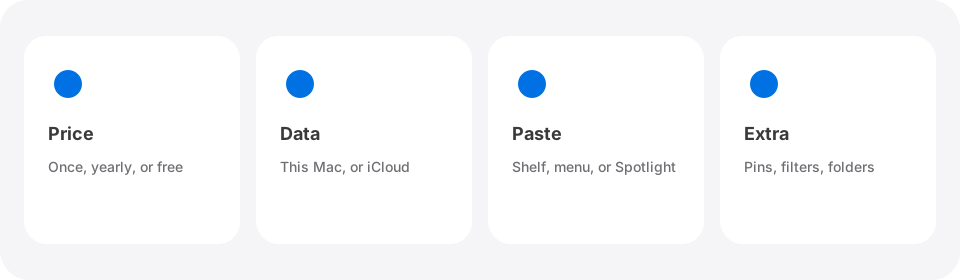
- Price: PastePal premium is $14.99 once. Minimal Paste is $9.99 once for 3 Macs.
- Devices: PastePal runs on Mac, iPhone, and iPad. Minimal Paste is Mac only.
- Sync: PastePal has optional iCloud sync and Peer Share. Minimal Paste keeps history on one Mac with no sync.
- How history looks: PastePal has a slim side window and a grid main window. Minimal Paste has one shelf of cards, or a window if you prefer.
- Organizing: PastePal has collections. Minimal Paste has named, colored groups and pinned clips.
- Pasting many clips: PastePal pastes a queue one by one in order. Minimal Paste pastes several selected clips together.
- Files: Both keep files you copied. Minimal Paste can also show the contents of folders you add, such as Screenshots.
- Extras: PastePal adds text capture, transforms, and Quick Mode. Minimal Paste keeps to history, groups, folders, and plain text paste.
- macOS: Both need macOS 14 Sonoma or later.
Which one to pick
- You want clipboard history on iPhone and iPad too: PastePal.
- You want text capture, transforms, and a paste queue: PastePal.
- You want one purchase shared with your family on the App Store: PastePal.
- You only use Macs and want a simple visual shelf, colored groups, and folder files for $9.99 on up to 3 Macs: Minimal Paste.
You can try both. PastePal is free to download, and Minimal Paste runs for 7 days with every feature. Only let one of them record copies at a time so your history stays in one place.
For other options, read Best clipboard managers for Mac in 2026, Maccy vs Minimal Paste, or Paste alternatives without a subscription. If you need your clipboard on iPhone, see How to sync your clipboard between Mac and iPhone. If you already use PastePal and want something different, see PastePal alternatives.
Sources
Try Minimal Paste
$9.99 once for 3 Macs. 7-day trial, no credit card. Clipboard history stays on this Mac.