 Minimal Paste
Best one-time purchase Mac apps
November 6, 2026
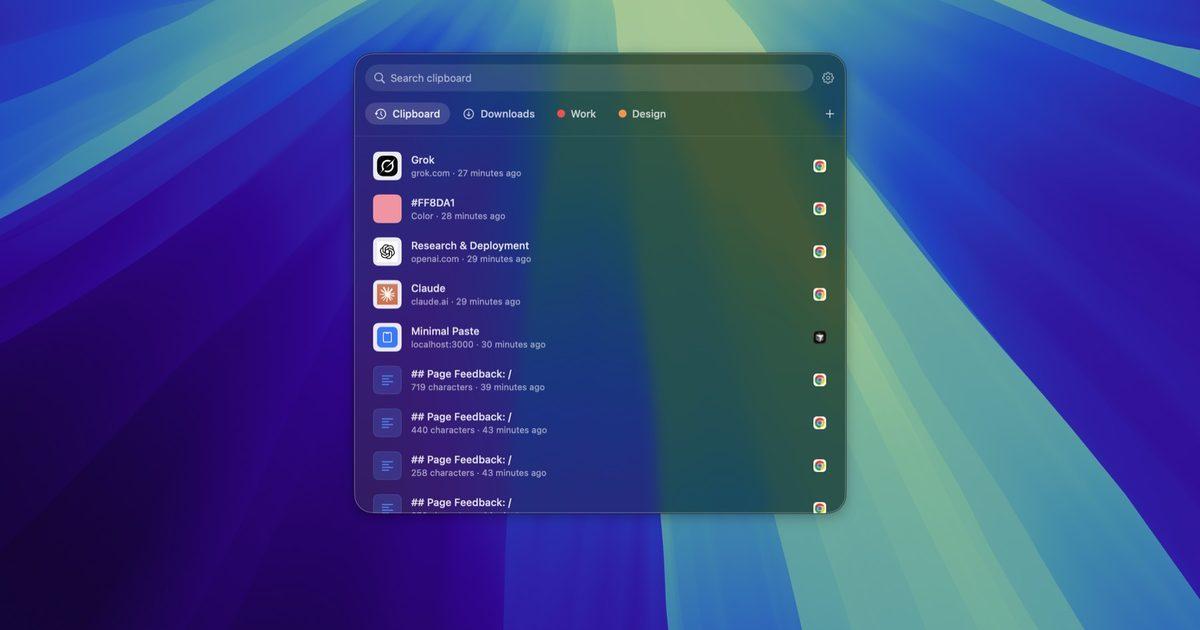
Plenty of Mac apps still sell the old way: pay once, keep the app, and skip another monthly bill. Subscriptions can be fair when a product needs servers or ships updates every week. For tools that run on your Mac and do one job well, a one-time purchase is often enough.
This roundup lists solid buy-once Mac apps across a few everyday categories: clipboard, launcher, screenshots, and tasks. Prices and claims come from each official site or App Store listing as of November 2026. Where a page does not publish a detail, this post leaves it out. Minimal Paste, the app this site sells, is one option in the clipboard section.
What one-time really means
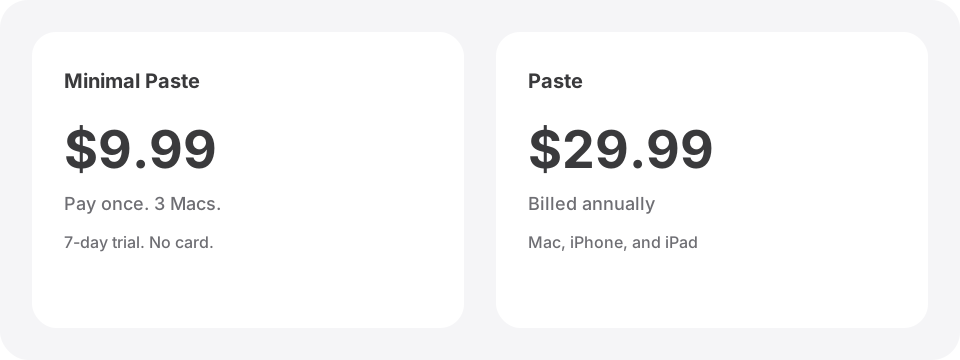
"Pay once" is not one rule. Read the fine print before you buy:
- Keep forever, updates optional. Some licenses include a year of updates. After that the app keeps working at the last version you had, and more updates are optional.
- One platform per purchase. Things 3, for example, sells Mac, iPhone, and iPad separately. Sync can be free even when each app is a separate buy.
- App Store vs direct.The same product can be a one-time buy on the maker's site and a subscription on the Mac App Store. Pastebot is the clearest example.
- Major versions. A Mega or lifetime license may cover future major versions. A version-locked license may not.
If you only need the app on this Mac, ignore cross-device sync marketing. If you live on iPhone too, check whether that platform is included or sold separately.
Minimal Paste: clipboard history for $9.99
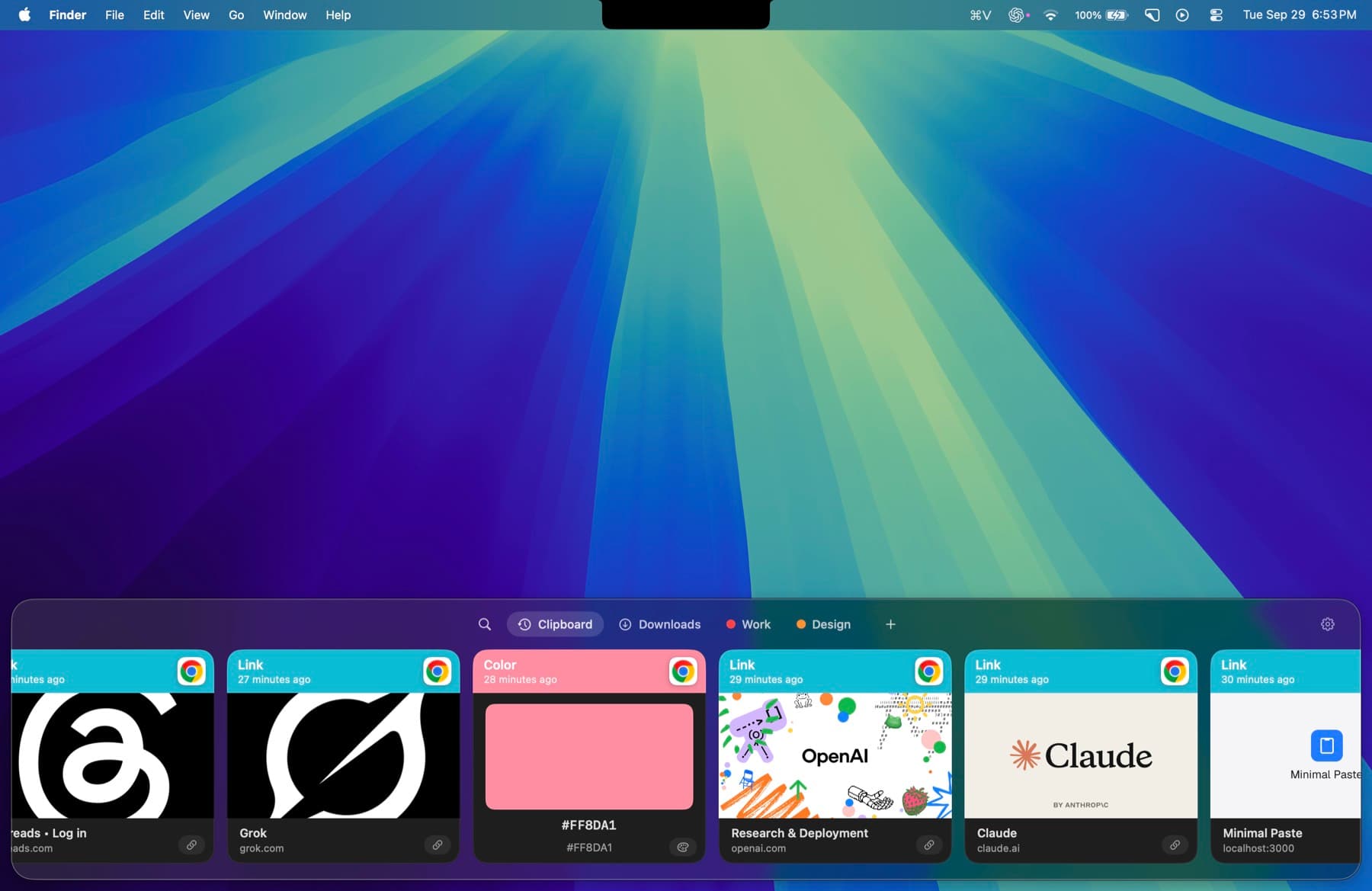
Minimal Paste is a local-only clipboard manager for Mac. One purchase is $9.99 and covers 3 Macs. It needs macOS 14 or later. The full app runs for 7 days with no credit card.
History, images, and settings stay on the Mac that captured them. There is no account and no iCloud sync. The shelf opens with ⇧⌘V. You can pin clips, group them with colors, search as you type, paste several clips together, and add Downloads, Screenshots, or any folder so you can paste files without opening Finder.
Choose Minimal Paste if you want a paid Mac clipboard shelf that stays on this Mac. It does not include an iPhone app, and it does not sync between devices. For deeper comparisons, see best clipboard managers for Mac in 2026 and Paste alternatives without a subscription.
PastePal: clipboard across Apple devices for $14.99
PastePal is a clipboard manager from Indie Goodies. Premium is $14.99 one-time. The App Store version is a universal purchase for Mac, iPhone, and iPad with Family Sharing. A standalone Mac license is also $14.99 and covers Mac only.
PastePal can dock to a screen edge, filter by app or content type, keep collections, run a paste queue, capture text from the screen, and optionally sync with iCloud. The free download keeps history and search. Unlimited paste, sync, text capture, and transforms need premium.
Choose PastePal if you want one-time pricing and the same history on iPhone and iPad. Choose Minimal Paste if you only use Macs and prefer a simpler shelf with a Folders view. Side by side: PastePal vs Minimal Paste.
Alfred Powerpack: launcher, snippets, and clipboard
Alfred is free as a launcher. Clipboard History, snippets, and workflows need the Powerpack. The shop lists a Single User v5 License for £34, and a Mega Supporter license for £59 with free lifetime upgrades. A purchase in 2026 also includes a free upgrade to Alfred 6 when it ships.
With the Powerpack you get a searchable clipboard viewer, retention windows up to 3 months, clipboard merging, and the rest of Alfred: workflows, text expansion, and file actions. You are buying a launcher suite, not a dedicated clipboard shelf.
Choose Alfred if you already want a Powerpack launcher. Keep Minimal Paste in mind when you only want a visual shelf of cards and folder pasting for $9.99. Comparison: Alfred clipboard history vs Minimal Paste.
CleanShot X: screenshots and recording for $35
CleanShot X is a screenshot and screen recording app for Mac. The Basic plan is $35 once. It includes the full Mac app and one year of updates. After that year, optional renewal is $19 per year, and the app keeps working at the last version you had if you stop renewing. It needs macOS 13 or later. There is no trial. There is a 30-day money-back guarantee.
You get area and window capture, scrolling capture, annotation, screen recording, a quick video editor, OCR for text on screen, and optional cloud upload. Cloud Pro is a separate subscription if you want unlimited storage and team features. You do not need Cloud to use the Mac app.
Choose CleanShot X if screenshots and short recordings are daily work. Skip the Cloud plan unless you need hosted sharing.
Shottr: a lighter screenshot tool
Shottr is a small native screenshot app for Mac. The site says you can use it for free for as long as you want. Most features stay available without paying. The app asks you to consider buying it now and then, and the activated version turns off those prompts and unlocks extras such as upload.
Features include annotations, scrolling screenshots, OCR, QR reading, pin windows, and a color picker. It runs on macOS Catalina and later. Choose Shottr if you want a cheap, lightweight capture tool and you do not need CleanShot's full recording and cloud stack.
Things 3: tasks without a subscription
Things 3 is a personal task manager from Cultured Code. Cultured Code's support pages say it is a one-time purchase per platform, with no subscription, and that Things Cloud sync is free. On the US App Store, recent listings put the Mac app at $49.99, the iPhone app (with Apple Watch) at $9.99, and the iPad app at $19.99. Each platform is a separate buy. The Mac version has a 15-day trial.
Things focuses on Today, Upcoming, and Anytime lists, quick capture, and a calm design. It does not run on Windows, Android, or the web. Choose Things if your tasks live on Apple devices and you want to own the apps instead of renting a todo service.
Pastebot: power-user clipboard on macOS 26
Pastebot 3 from Tapbots is $39 when you buy direct. That price includes one year of updates. Later updates are $19 per year, and you keep the last version you paid for. There is a 14-day trial. The App Store path is a subscription ($24.99 per year or $2.99 per month), so buy from Tapbots if you want pay-once.
Pastebot needs macOS 26 Tahoe or later. Features include custom and smart pastebins, filters before paste, stacks, optional iCloud sync between Macs, and Universal Clipboard import. Choose it if you already run macOS 26 and want deep paste rules. See Pastebot alternatives.
How to pick
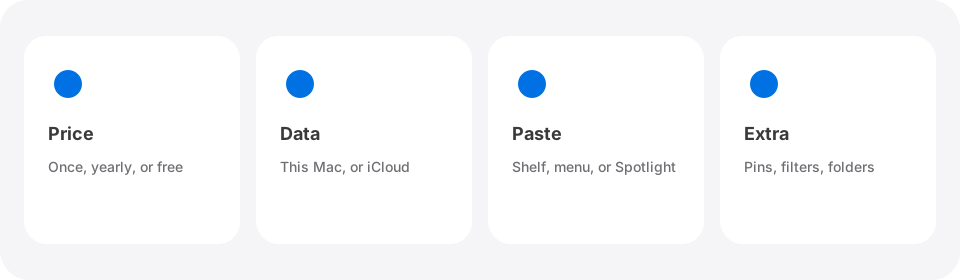
- Clipboard on one Mac, simple shelf, folders next to history: Minimal Paste at $9.99.
- Clipboard on Mac plus iPhone and iPad, still one-time: PastePal at $14.99.
- Launcher, snippets, workflows, and clipboard in one license: Alfred Powerpack.
- Screenshots and recordings every day: CleanShot X. Lighter capture: Shottr.
- Personal tasks on Apple devices with no subscription: Things 3.
- Deep pastebins on macOS 26: Pastebot from Tapbots, not the App Store.
Subscriptions still make sense for apps that need shared servers, team admin, or constant cloud sync. For single-Mac utilities, the list above is a good place to start before you add another yearly plan.
Want more clipboard detail? Read Maccy vs Minimal Paste, Raycast Clipboard History vs Minimal Paste, and the alternatives pages.
Try Minimal Paste
$9.99 once for 3 Macs. 7-day trial, no credit card. Clipboard history stays on this Mac.